Home Platform Omnichannel
AI Employees

Omnichannel Communication

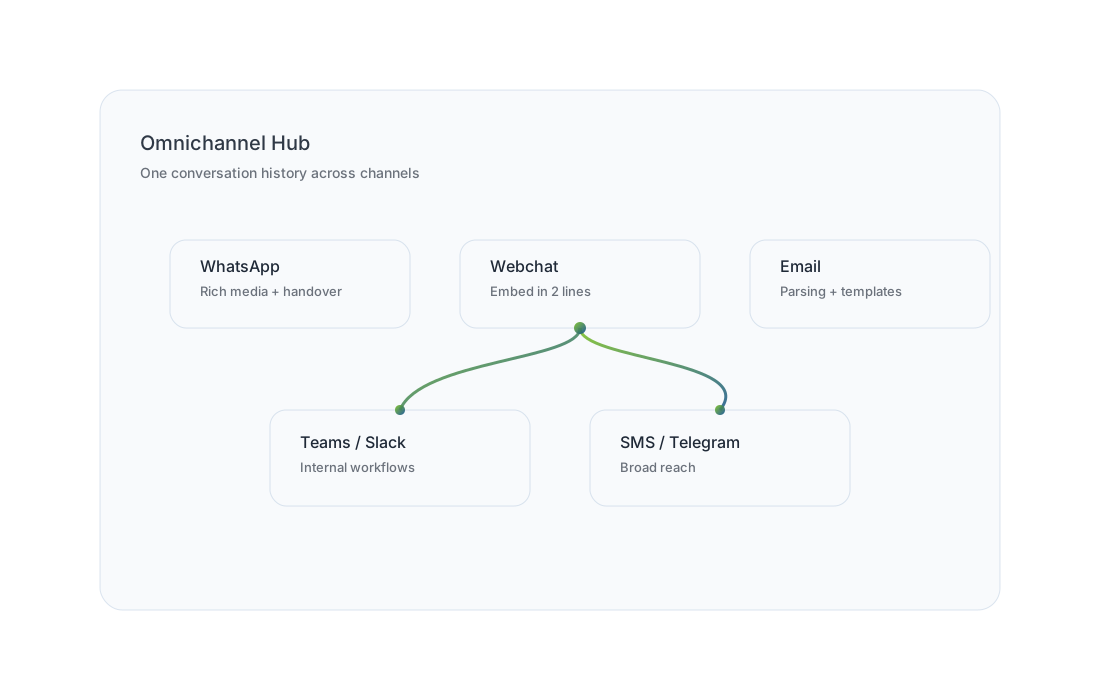
Serve customers on the channels they already use while keeping one conversation history and clean escalation to your team.

Omnichannel hub illustration
One interface

Switch channels without losing context

Start on WhatsApp, continue by email, and finish in a webchat the agent retains context and your team gets a complete transcript for handover.

Common channel patterns
WhatsApp → Email Webchat → WhatsApp Email → Teams Teams → Email

We design handover points intentionally: when a human must approve, call a customer, or handle sensitive exceptions.

WhatsApp

Real-time, interactive customer communication

Use WhatsApp for updates, bookings, claims capture, and customer support with rich media and controlled escalation.

Request WhatsApp demo

Automated notifications

Send reminders, status updates, and confirmations based on workflow events.

Rich media

Share PDFs, images, and receipts, and collect attachments for document workflows.

Human handover

Escalate with a structured summary so agents don’t have to reread long threads.

Webchat

A chat experience that fits your website

Embed a chat widget that matches your brand, routes by intent, and can guide users through key pages and forms.

Typical use cases
  • Instant lead qualification and routing
  • Support triage and ticket creation
  • Guided product selection and FAQs
Need a hosted chat page instead of embedding? We can set up a standalone chat landing page for campaigns.
Embed example

Your actual embed snippet will be provided during implementation.

<!-- KEffect Webchat (example) -->
<script src="https://chat.keffect.co.za/widget.js" defer></script>
<div id="keffect-webchat" data-org="YOUR_ORG_ID"></div>
          
Email

Turn email into structured workflows

Categorise messages, extract key values, reply with templates, and drive processes like onboarding, claims, and PO approvals.

Threading & categorisation

Keep related emails together and route by intent automatically.

Attachment handling

Receive and send documents to support workflows like invoices and claims.

Parsing & extraction

Extract values and populate forms or system fields automatically.

Choose your first channel

Most teams start with WhatsApp + email, then add webchat and internal channels.