01 — Build
We build AI employees for your workflow.
One single Design across all channels: WhatsApp, webchat, email, Telegram, and internal workflows.
KEffect deploys AI employees, runs your IT consulting, builds your data analytics, and staffs your business support, one accountable partner instead of four separate vendors.
Most businesses stitch together a chatbot vendor, an IT contractor, a BI consultant, and a virtual assistant agency. KEffect runs all four as one coordinated engagement.
Digital staff that resolve support tickets, qualify leads, and run operations across WhatsApp, webchat and email — 24/7, with human handover.
Cloud strategy and migration, networking and connectivity, cybersecurity and risk management, digital transformation, infrastructure optimization, and custom software development.
Business intelligence, data warehousing, predictive analytics, big data solutions, and data visualization that turn raw data into decisions.
Administrative support, customer support services, marketing and sales support, project management, and executive support — on demand.
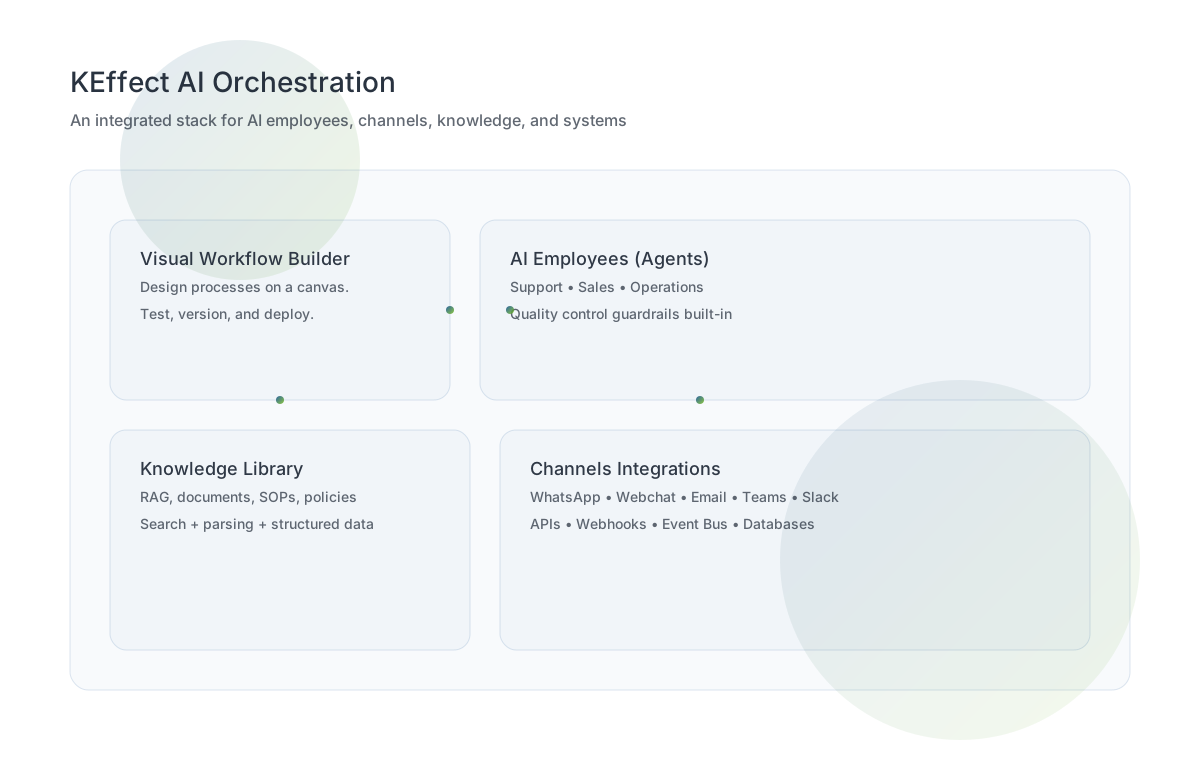
Workflows, model selection, knowledge, omnichannel communication, collaboration, versioning, and monitoring, unified into one delivery approach.
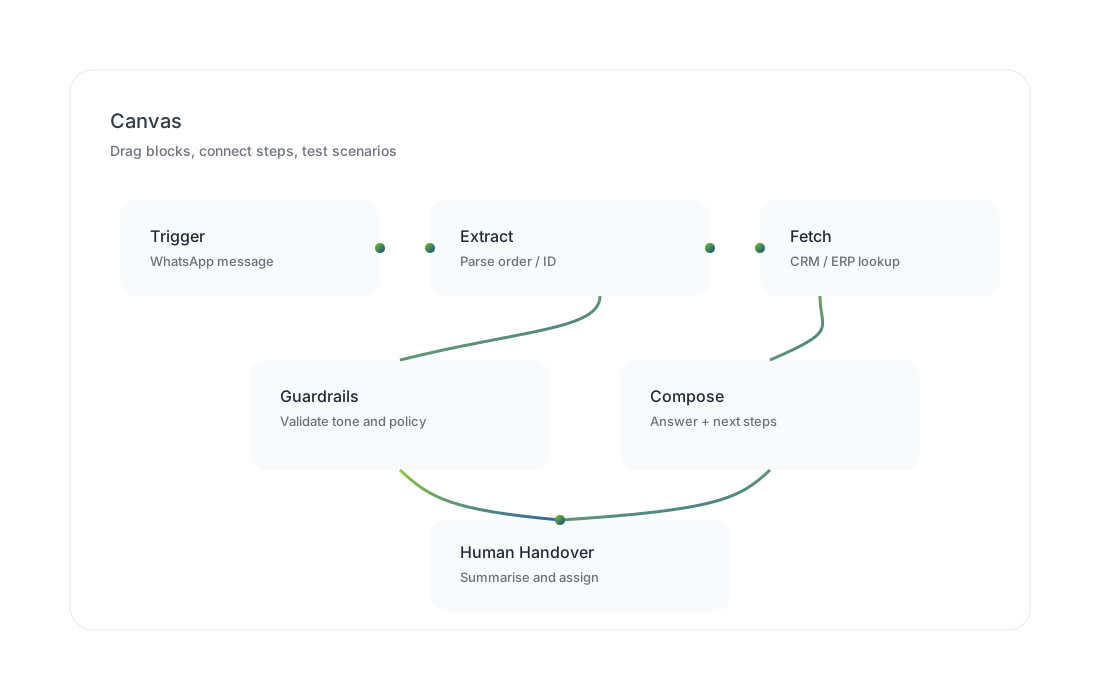
Design multi-step processes: capture data, apply rules, trigger actions, and hand over to humans.
Pick the right model and tools per task (summarise, classify, extract, reason) without rebuilding everything.
Turn SOPs, policies, PDFs, and product docs into searchable knowledge that agents can cite and use.
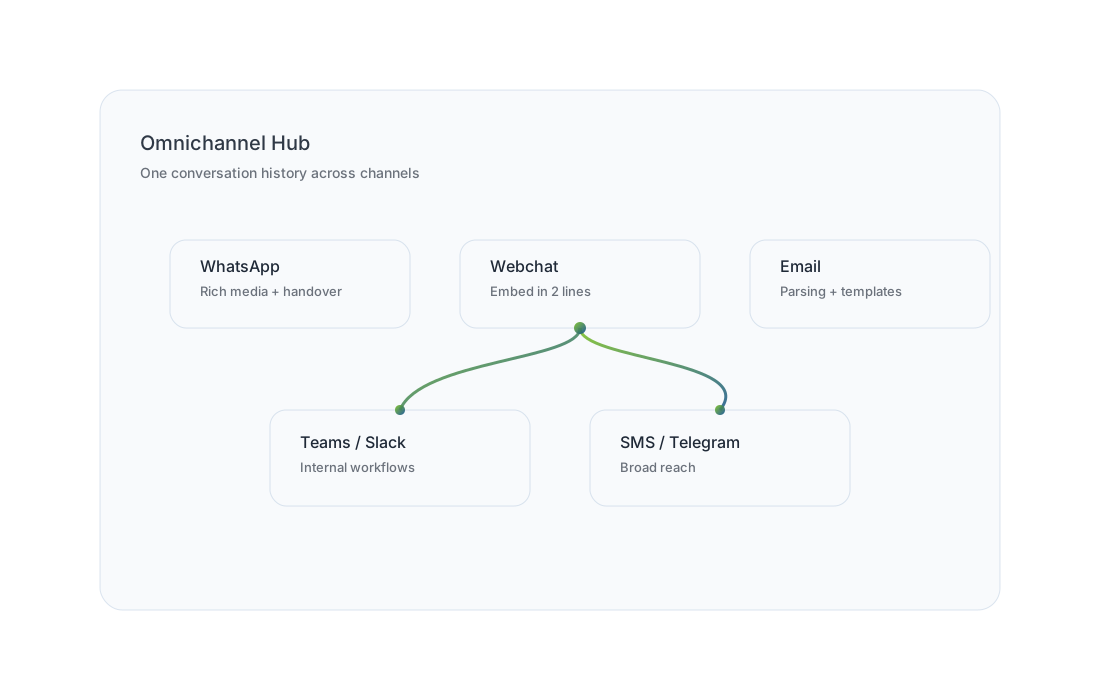
Serve customers on WhatsApp, webchat, email, and internal channels with one conversation history.
Connect CRMs, ERPs, ticketing, spreadsheets, databases, and internal tools using APIs and webhooks.
Guardrails validate output against your rules: tone, compliance, forbidden content, and required steps.
We’ll turn one process into a working pilot then expand to the next.
Before an AI employee responds, we can validate the output against your policies: required fields, tone, restricted topics, escalation conditions, and compliance checks.
A response must include: reference number, next step, and ETA. If unknown, it must escalate to a human.
One single Design across all channels: WhatsApp, webchat, email, Telegram, and internal workflows.
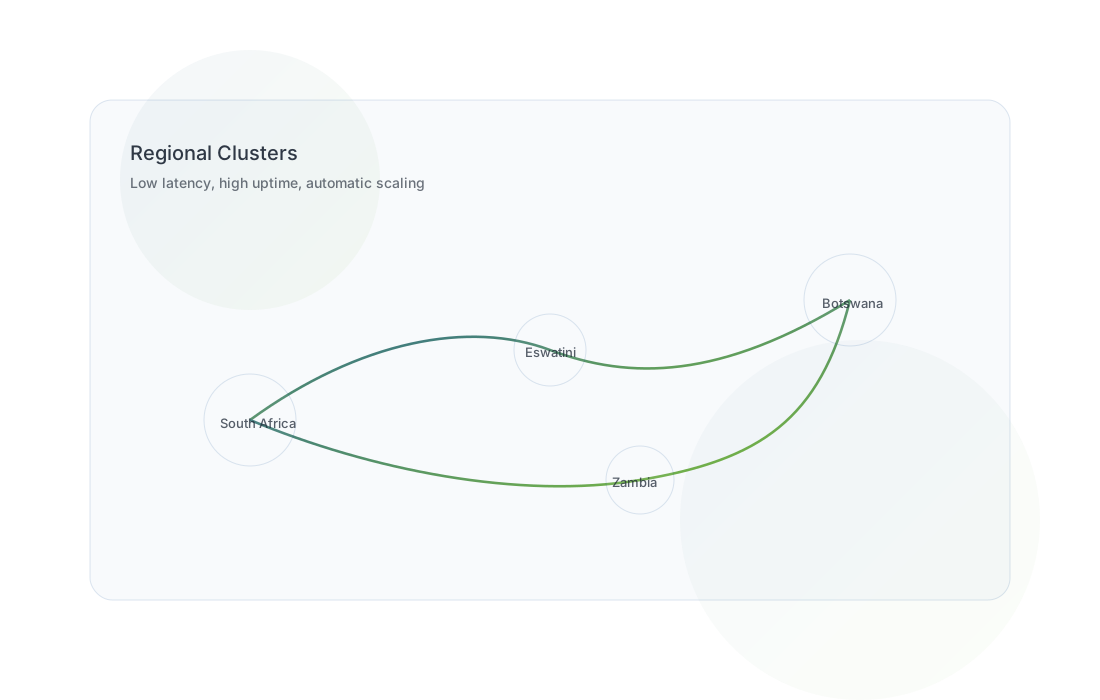
Production-ready delivery patterns: version control, logs, audit trails, and scaling strategies aligned to your customer load.
Serve customers where they already are, and keep a single conversation thread across channels.
| Channel | What it enables |
|---|---|
WhatsApp |
Interactive customer messaging, rich media, automated notifications, and human handover. |
Webchat |
Embed on your website, route by intent, switch channels smoothly, and guide users through pages. |
Email |
Threading, categorisation, parsing forms/attachments, and sending HTML templates at scale. |
Teams |
Internal requests, approvals, and workflow notifications inside your organisation. |
Slack |
Fast collaboration, escalation, and triage workflows for teams. |
Telegram / SMS |
Broad reach channels for alerts, requests, and status updates. |
We can start with WhatsApp + email, then add webchat and internal channels next.
When a process needs more than a message, AI employees can take secure actions in your tools, use your knowledge, and log every step.
Start with one workflow (e.g., invoice capture or booking), prove ROI, and expand.
These are demo style scenarios to showcase workflows: capture details, validate, notify, and escalate.
We’ll deliver a pilot in weeks, measure impact, then extend across teams and channels.